
Nina, London
★★★★★
The Restored Classic version looked like my grandmother's original print, just clean and sharp.
Choose from four restoration looks, then upload your photo to begin.
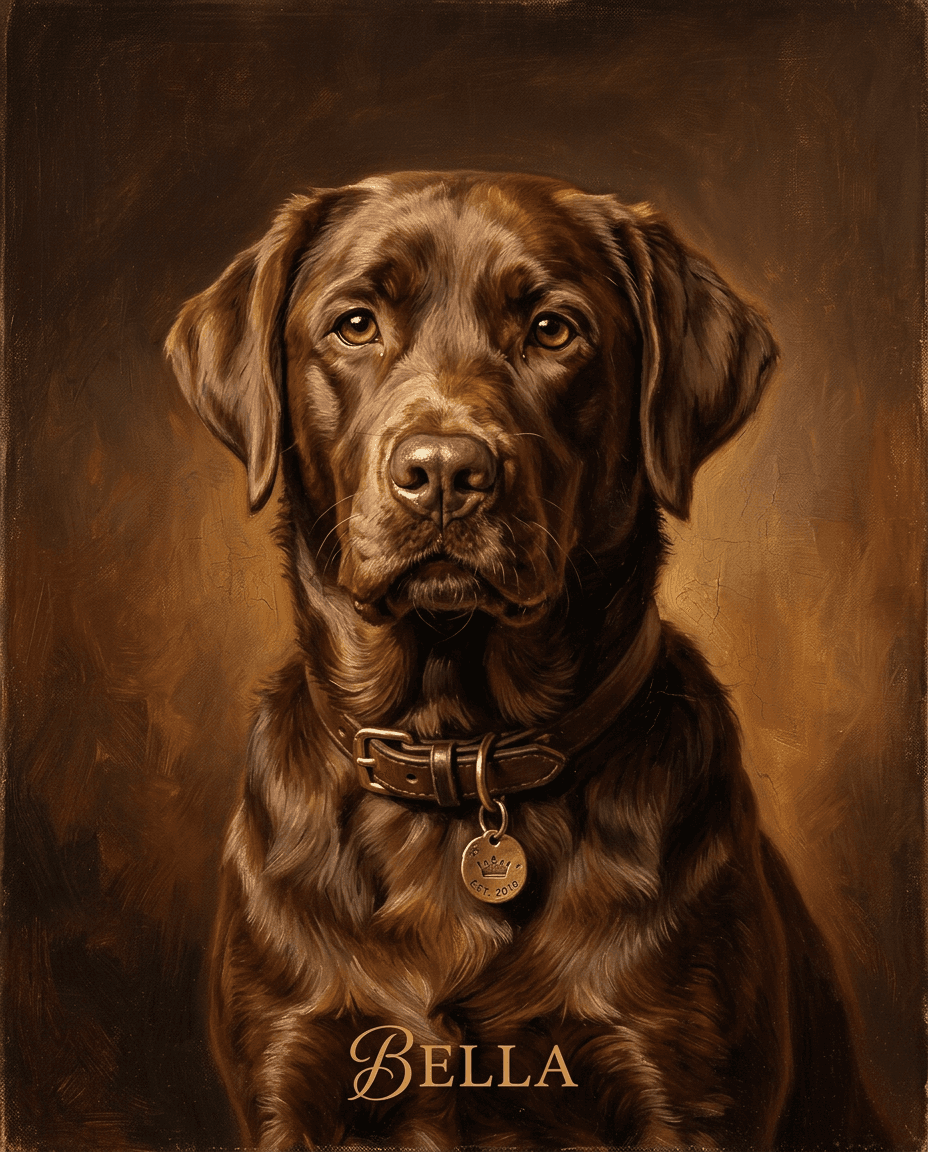
Restored Classic
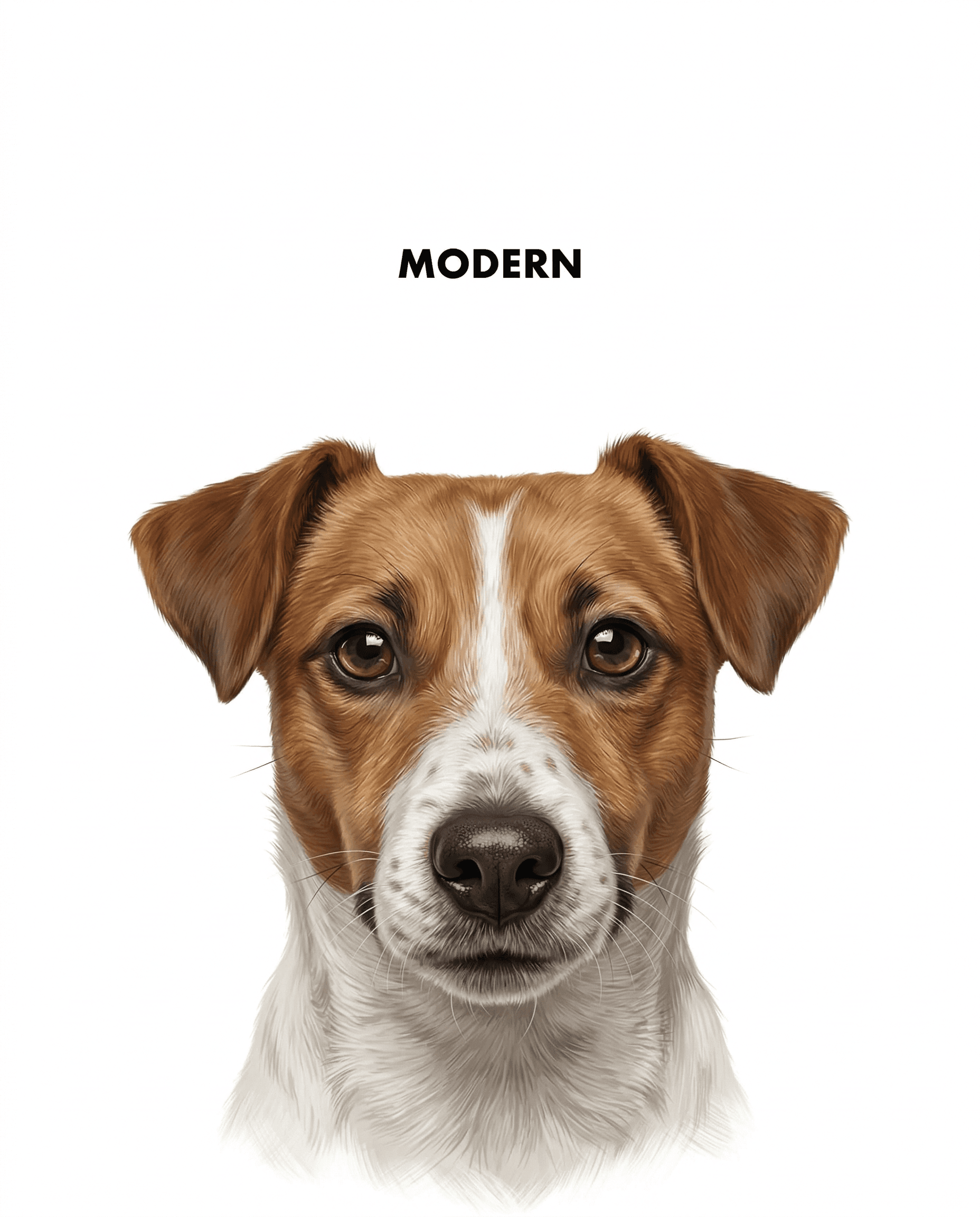
Modernized iPhone Look
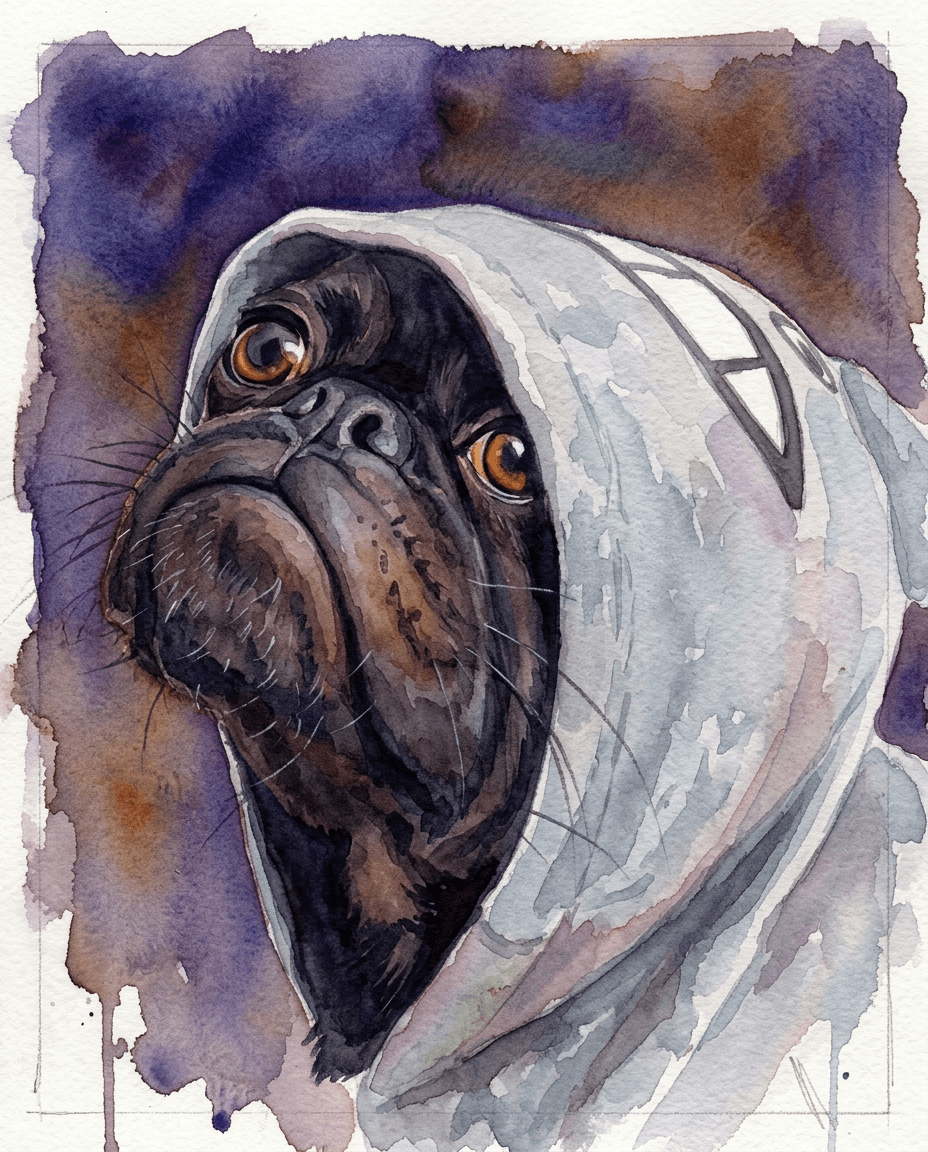
Colorized Heritage
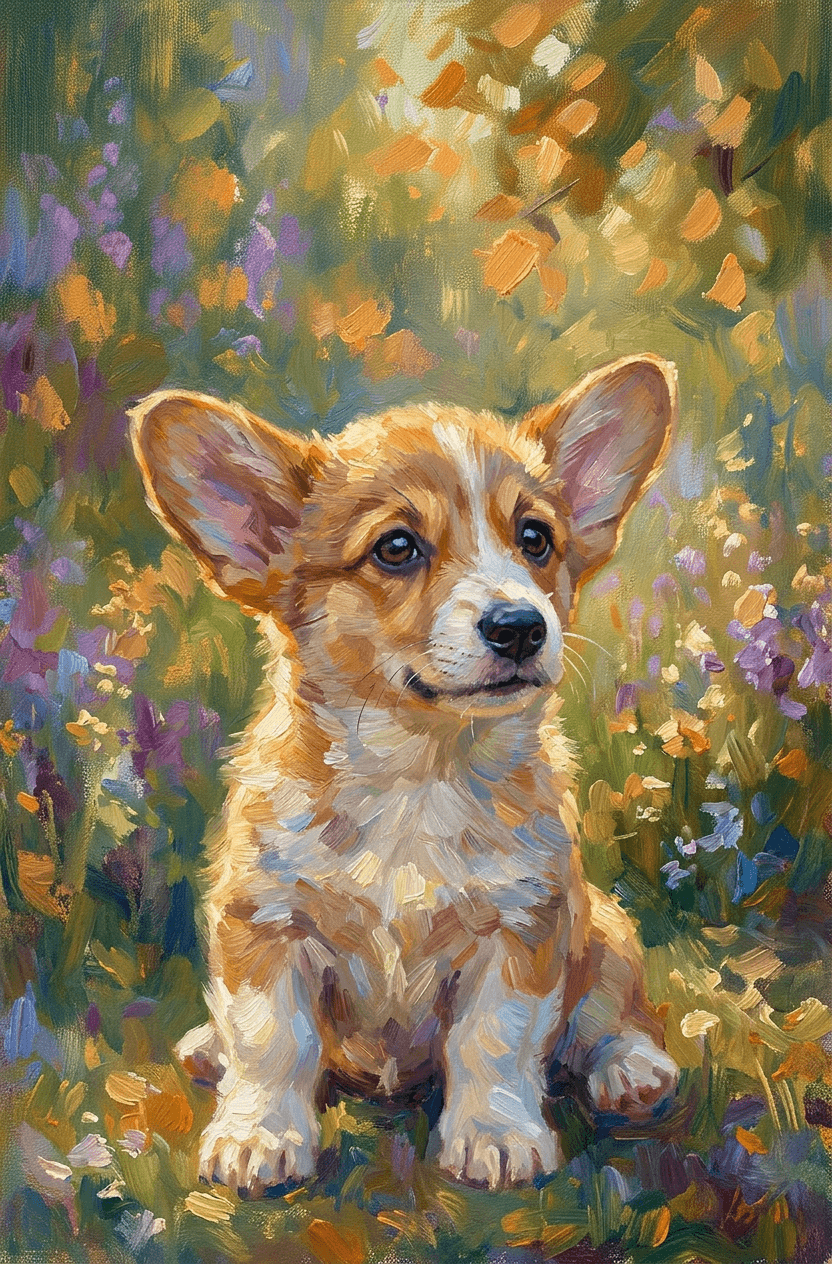
Studio Retouch
Restored, Modernized, Colorized, or Studio Retouch.
Add one or more old photos from your gallery.
Preview instantly and choose the version you want to keep.
Satisfaction guaranteed or your money back.
Nina, London
★★★★★
The Restored Classic version looked like my grandmother's original print, just clean and sharp.

Alex, Toronto
★★★★★
Modernized iPhone Look felt natural, not over-edited. We framed it the same day.

Maya, Austin
★★★★★
Colorized Heritage brought a black-and-white photo to life with believable tones.

Daniel, Manchester
★★★★★
Studio Retouch fixed scratches and contrast issues while keeping every face authentic.
Well-lit scans or clear photos of the original print work best. Keep faces visible and avoid glare over key details.